
Voice Cleanup for Gamers
Updated October 2026
A gamer is judged on how clear the voice sounds in voice chat and in the clips. Set the mic well, clean it live, and finish the clips you post.
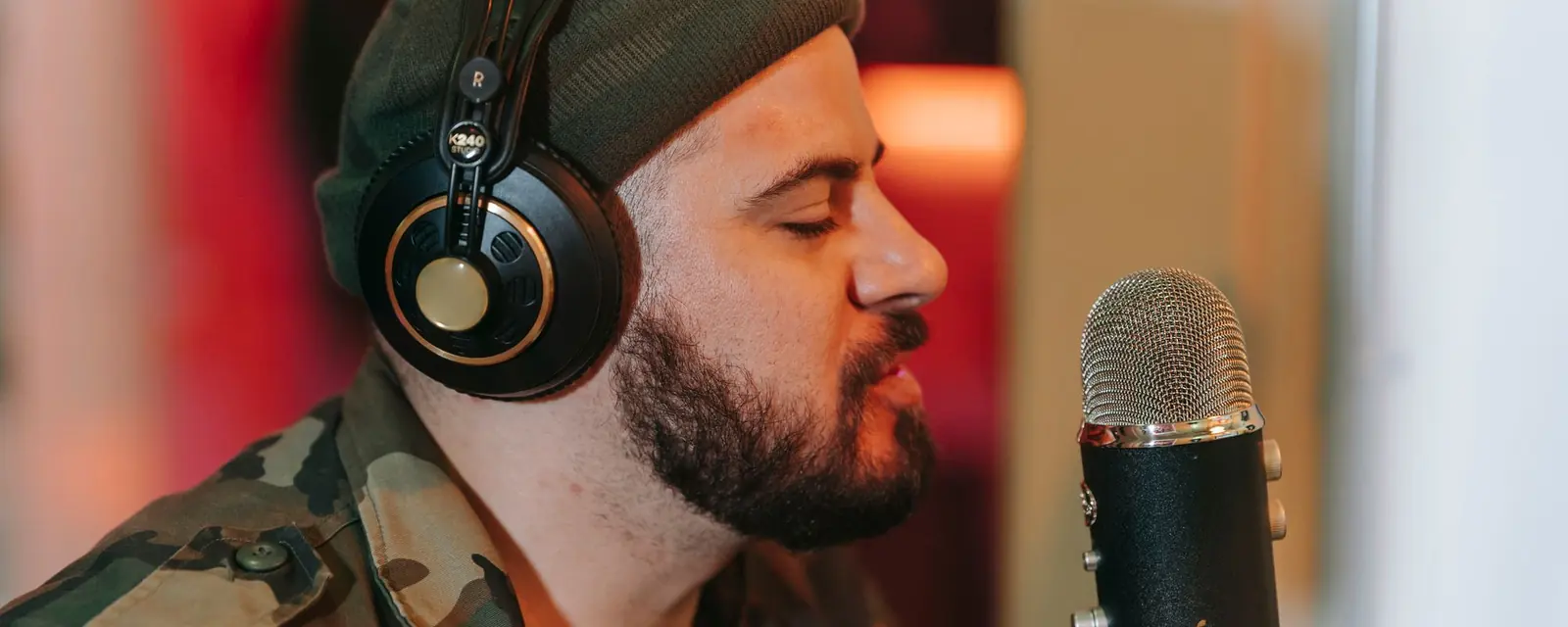
A close mic with a pop filter gives a clear voice. Keep the mic a hand’s width from the mouth, a little off-axis, and mount it so it does not pick up the desk.
Typing and clicks are the usual problem in a game. A boom arm or a shock mount takes the mic off the desk. The keyboard noise guide covers the fixes.
The Windows app has a live microphone cleaner for streams. Set it once, then check the level during a quiet moment.
Clips for social media need a clean voice and a level that holds up on a phone. Clean the clip gently and check the loudness before you post.
Live Studio cleans the mic during play on Windows, and Tunedzy finishes the clips you post.
A close, well-placed mic with a pop filter is the base. The room and placement matter more.
The mic is far away, or the room is hard. Move closer and soften the room.
You can clean a copy and re-upload it, if the platform allows it.
Voice Cleanup for Streamers How to Remove Keyboard and Desk Noise From a Recording
 What Is a Shock Mount?
All guides and comparisons · Tunedzy Go on your phone · Pricing