
Voice Cleanup for Streamers
Updated October 2026
A stream needs a voice that is clear live and clean in the replay. Set the mic well, clean it live, and keep a clean recording to fix later.
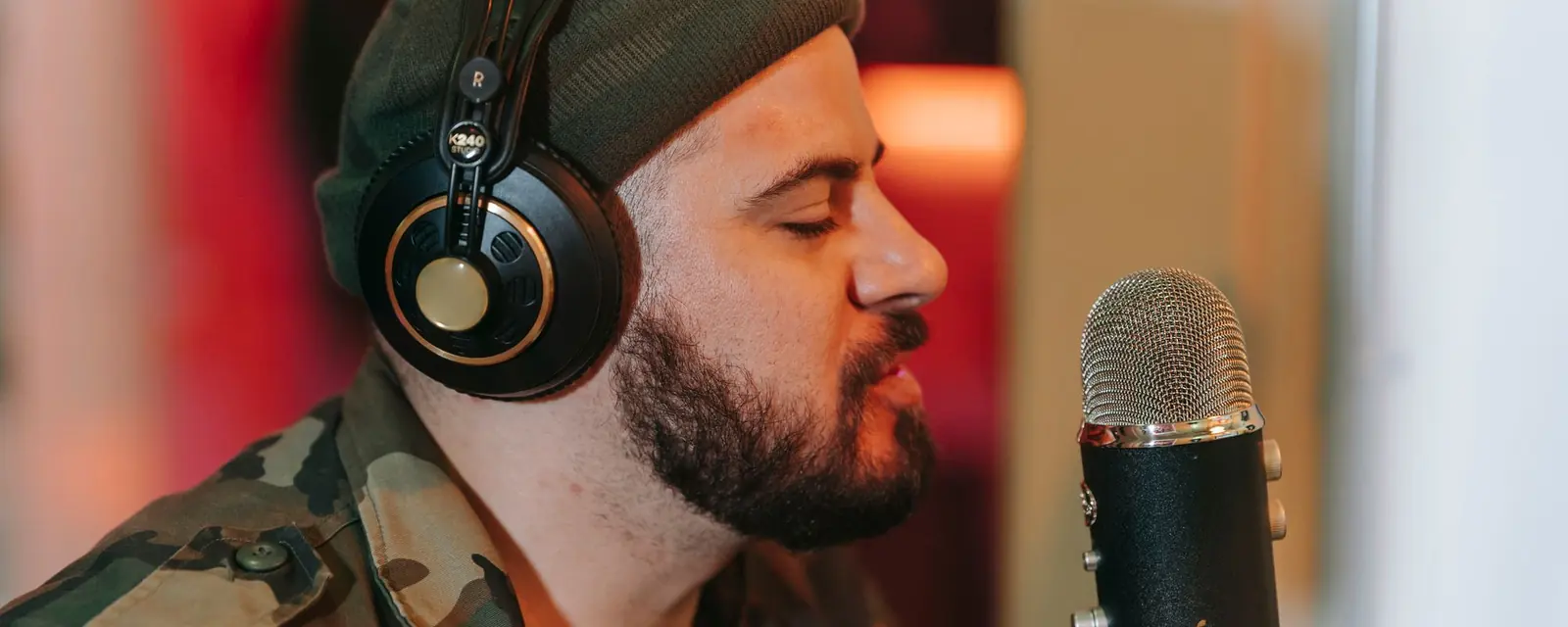
Put the mic a hand’s width from your mouth, a little off-axis, with a pop filter. A close mic in a soft room does more for a stream than any filter.
The Windows app has a live microphone cleaner, Live Studio, that cleans the voice as you stream. Set it once, then check the level during a quiet moment. The clean streaming mic tool on this site shows the idea in your browser.
Record your mic on the computer too. A local file is cleaner than the stream and lets you fix the replay properly.
Clean the local file with gentle settings, then check the loudness before you post the VOD. The call cleanup guide has the same sequence.
Live Studio cleans the mic during the stream on Windows; Tunedzy finishes the recording afterwards.
A little. Check the delay on your setup before a stream.
Yes. Record the mic locally and clean the file in Tunedzy.
A close, well-placed mic in a soft room is the base. Cleanup helps with the rest.
 How to Remove Background Noise From a Voice Recording
 How to Set Up a Quiet Recording Corner on a Budget
 How to Record With a USB Microphone
All guides and comparisons · Tunedzy Go on your phone · Pricing