
Audio Setup for Karaoke Hosts
Updated October 2026
A karaoke night needs a clear mic for the host, a level that suits every singer, and a sound system that does not feed back. Plan the mic and the room first; the rest follows.
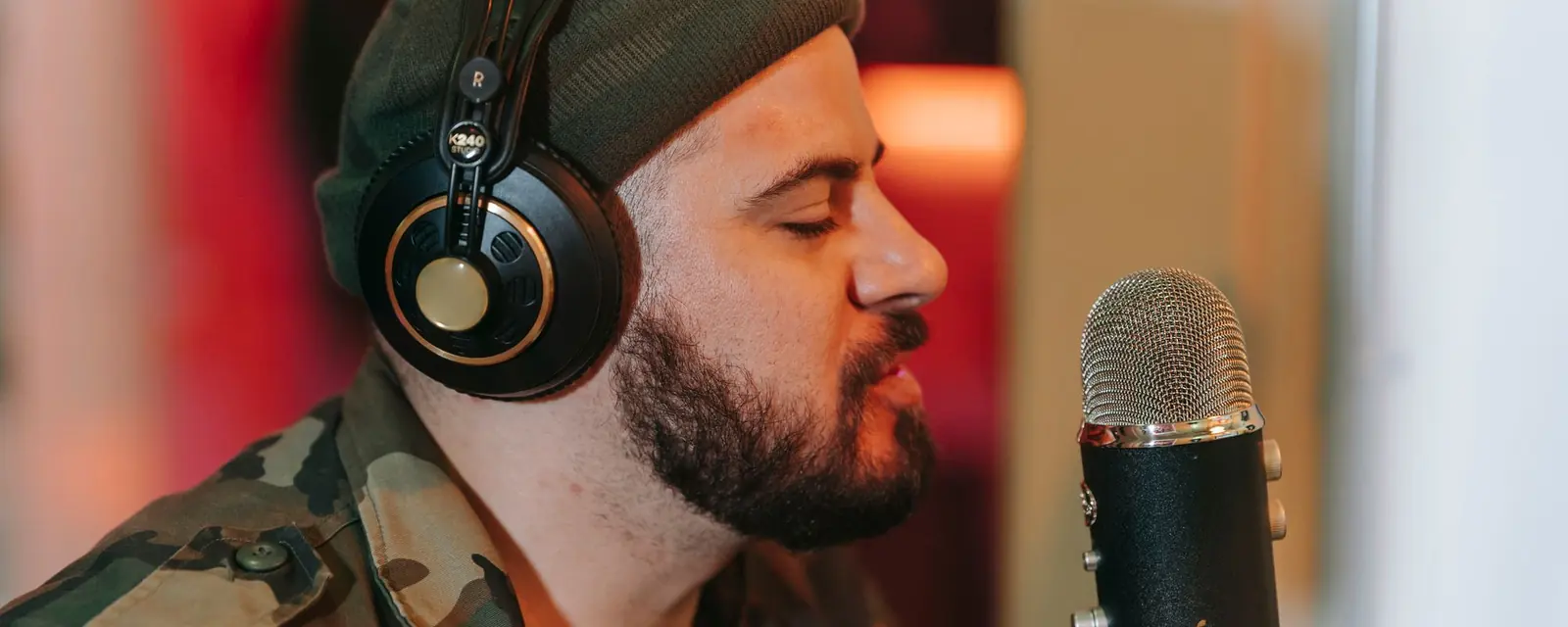
A dynamic mic is sturdy and rejects some of the room, which suits a loud, busy night. Keep one mic per singer where you can, so the levels stay even.
Turn the level up until you hear the first feedback, then back off slightly. Place speakers away from the mic and in front of the singer, not behind.
Soft furnishings and curtains reduce echo, which helps a karaoke room sound clear. A crowded, hard room is hard to keep clear.
If you record the night, clean the clips afterwards with gentle settings and check the loudness before you share them. The karaoke app roundup covers the software side.
Tunedzy cleans recorded karaoke clips on your PC and sets the loudness before you share them.
A dynamic mic for loud singers in a busy room.
Lower the level, move the speakers away from the mic, and keep the mic in front of the singer.
Ask each singer first, and check the music rights.
All guides and comparisons · Tunedzy Go on your phone · Pricing

